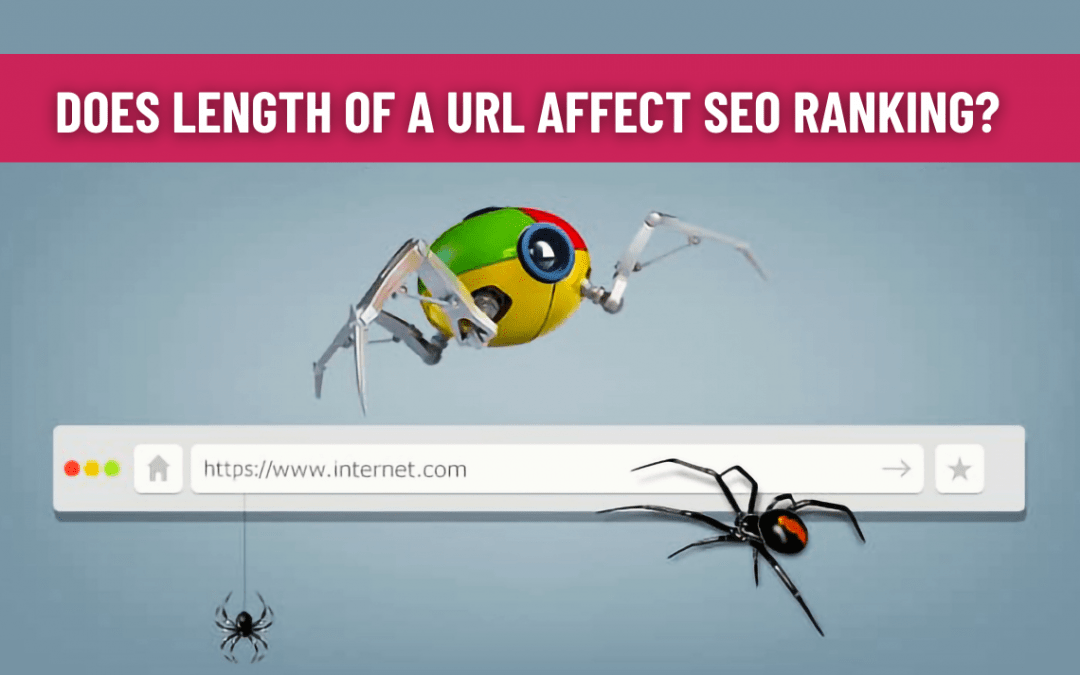
How does the length of a URL affect SEO ranking?

How does the length of a URL affect SEO ranking?

Understanding the structure of URLs is a fundamental element of SEO. The basic rule of URLs for SEO is to make it easy for the user and search engine crawlers to understand the web page content.

Importance of URL’s for SEO

For SEO, URL is a basic but crucial element that should not be overlooked. URL includes the domain name and creates a complete address of the location of a specific resource or webpage on the internet. A website’s good URL structure provides an excellent navigational experience and will help improve the website rankings. The main advantage of URLs for SEO is that they improve the user experience. Search engines consider URLs as significant ranking factors in determining page ranking. At the same time, URLs with keywords give appreciable visibility to the website in search results. A well-written URL will also serve as an anchor text when used as a link in a blog, forum, or another website.

URL structure, the impact of it’s length on SEO and rankings

Short or Long, Which URL is good for SEO?

A URL consists of a domain name, path and protocol. They also contain specific folders or subfolders and other parameters like session ID. The best URL structure is the one that is simple, clear, and contains the primary keywords of the content without any irrelevant words and fewer folders.

A study on 1 million URLs by Backlinko showed that short URLs rank higher on Google than long URLs. So, it is clear that the length of the URL plays a key role and can impact SEO.

The ideal URL should be more human-readable, making them better for users. Aim for a length lower than 60 characters. Search engines can handle any URL size shorter than 2,083 characters, but shorter URLs are more likely to be remembered and more helpful for the users. They are also readable and easier to share, making them more click-worthy by the users.

Try to keep the structure relatively flat with fewer folders because content hidden too deep behind numerous folders can be a barrier to search engine crawlers and make it less visible. At the same time, making them so short that they no longer hold meaning, will not be beneficial for your rankings. Avoid capital letters, alphanumeric and special characters. Preferably use hyphens and underscores to separate words instead of space and avoid keyword stuffing. When possible, it is a good idea to match the page title with the URL.

In 2018, Google stated that page rankings don’t get affected by the number of folders added in URL, but the page depth does; that is how many clicks to get to a page from the home page. So, it’s all about making things easy for the user and SEO friendly.

Conclusion

Long URLs can have a negative impact on user experience and SEO. Consider the best practice tips discussed in the blog and put your best to make sure your URLs are as good and realistic as they can be. When things are accessible for the users, it can be highly beneficial for your website rankings.

To watch the latest Google SEO Office Hours, please check out the video below:

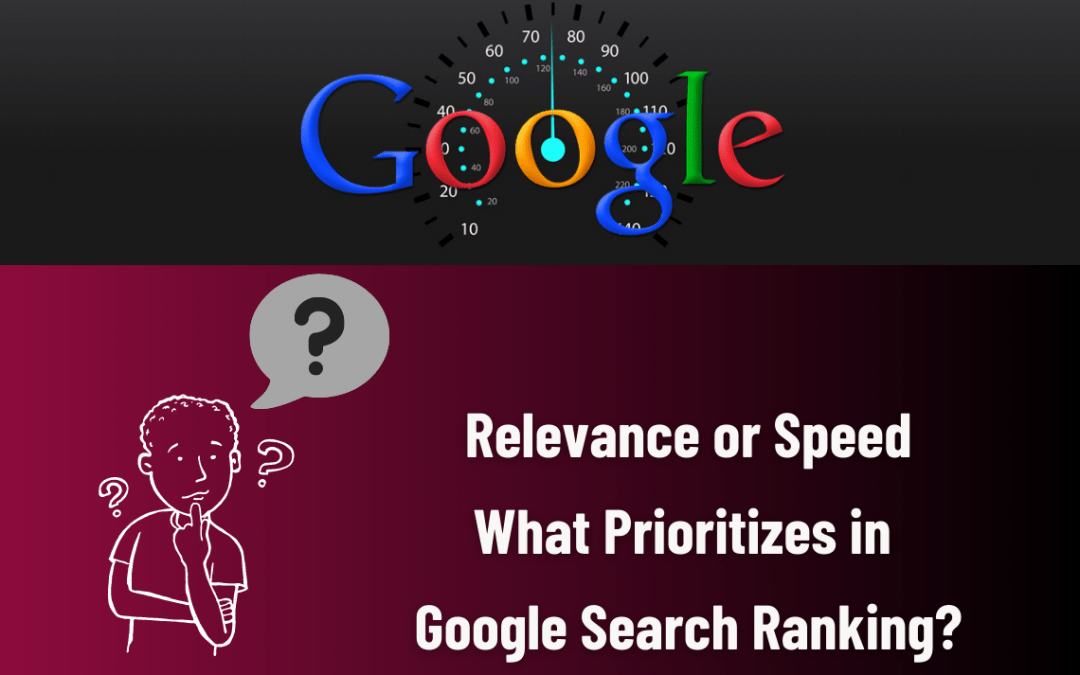
Relevance or Speed, What prioritizes in Google Search Ranking?

Relevance or Speed, What prioritizes in Google Search Ranking?

Google ranking systems are designed to find the most relevant content that is close to search queries in a fraction of a second, sorting through hundreds of web pages and presenting them in a way that helps you find what you’re looking for.

Google uses a special trademarked series of algorithms called PageRank to generate its SERP results. In response to a query searched by the user, it displays the search results based on a large index of keywords. It also assigns each web page a relevancy score or rank to determine the order of these pages displayed on its search engine results page.

Depending on the nature of the query, these search algorithms look at many factors to fuel ranking and prioritize the search results. Some of the factors include fresh content, page relevance, backlinks, website speed, HTTPS, mobile-friendliness, domain age, authority, location, content length, the usability of pages, keywords volume, and social signals. For example, in queries about current news topics, the freshness of the content plays a more prominent role than other factors.

Google has almost 200 ranking factors, and every year they keep changing or adding more to the list. It is not possible to focus on every single Google ranking factor, but the fundamental factors always remain the same and cannot be ignored. If you want to rank higher, focus only on those factors that will make a significant difference to your website. As of 2019, backlinks with quality and relevant content remain among the most important Google ranking factors.

Importance of relevance in search results ranking

Ranking higher in Google search engine can make business. So how does it work? High ranking content refers to value-added content relevant to its respective subject that you are looking for. When a user searches for a query, Google scans its index and checks for the relevant content to instantly display the most updated and relevant web pages.

For example, when you search for “cakes”, algorithms assess if a page contains relevant content about the keyword “cakes”, like pictures, videos, or recipes. If those keywords appear on the page, the headings, or the text’s body, the information is more likely to be relevant.

So, Google gauges the quality and relevance of the content for displaying more relevant results for the search queries and distinguishes it from other search engines.

Importance of speed in search results ranking

Importance of speed in search results ranking

How can you expect a good user experience if your website loads slow? Studies show that delay in the average loading speed can impact the users and thus leaving the website after about three seconds. This provides a bad user experience, and Google doesn’t like ranking these websites. Since 2018, page speed is a direct ranking factor, especially on mobiles where visitors are more likely to bounce from a site that takes too long to load.

Google also recommends using the newly updated PageSpeed report and other tools like LightHouse to measure the site speed and make necessary improvements for a better user experience. Therefore, page speed is considered one of the essential factors in Google’s ranking algorithm.

Final thoughts

It is a fact that both relevance and speed make a priority, playing a significant role in increasing website ranking, which improves business and helps keep up with competitors. Also, paving the way for fast loading websites with quality content provides a better user experience.

To watch the latest Google SEO Office Hours, please check out the video below:

Does disavowing links have an impact on website traffic or SEO rankings?

Does disavowing links have an impact on website traffic or SEO rankings?

Disavowing a backlink means simply discarding malicious links pointing to the website. It implies requesting search engines like Google to ignore that particular backlink while determining the website’s SERP rankings.

A backlink is an inbound link directing you to a different website, also considered as a significant ranking factor for websites by search engines like Google. Thus, good quality backlinks play a crucial role in increasing the website ranking position and assist the website to rank higher in SERPs. In contrast, bad backlinks are unnatural, spammy links that will direct to bad sites and ruin the website’s rankings.

It is a fact that the more backlinks on a page, the more traffic it gets. But, if these links are unnatural or toxic, they can do more harm than good as Google will consider your site as less trustworthy. If so, disavowing these links could help your site remove this distrust, and you could see improved rankings.

So, what kind of links should be disavowed? There are certain metrics to be taken into consideration before disavowing any backlinks.

What kind of links should be disavowed?

-Trace spammy, low-quality or inappropriate links pointing to your site that you didn’t want to associate with and remove the links without any hesitation.

– Links from disreputable sources that could harm the Domain Authority (DA) and Trust Flow (TF) of your website can be disavowed.

– Review if the links to your site would be of value, like would the website get a large enough audience. You can do so using tools like SEMrush, which shows the overall site’s health.

Google’s John Mueller asks to keep an eye on a few things while disavowing links. First, a link that looks bad may still help your site, and disavowing these links might impact the rankings.
For example, obsolete links were once related to your site and now become outdated. But, the value of the links remains the same as they are from trusted sources even though linked to outdated content.

Another example is some links may not directly relate to the content on your site. This doesn’t mean it’s a bad link until you are confident that the links are causing issues for your site. It should not be disavowed if it’s from a trusted source, as they also impact the SEO rankings.

John Mueller also says that the disavow tools shouldn’t be used indiscriminately. Initially, before using the disavow tool, try removing backlinks manually by Google Webmaster tools. They provide a list of all the links pointing to the website. Analyze the links, including their URLs and the anchor text, prioritizing which links should be removed. Then send a request to the link owner to remove or disavow the link.

Another way is to assess your backlinks profile using Google Search Console and other tools such as Majestic, Moz, SEMrush and Ahrefs. Then, add the links into a plain text file and upload them to the disavow tool.

The disavowing process doesn’t happen immediately. The Google bots take almost 48 hours to notice that a new disavow file has been uploaded against that domain. Later, it takes weeks or even months to recrawl all the URLs and update them.

Final thoughts

Disavowing links play a crucial role in impacting your website traffic and SEO ranking for better or worse. Hence, before disavowing links, it is essential to scrutinize each link to identify whether it’s bringing down or causing harm to your site rather than blindly removing the bad links.

To watch the latest Google SEO Office Hours, please check out the video below:

How to place keywords on a Website content or Article?

How to place keywords on a Website content or Article?

Keywords, also called search queries, are words or phrases that users enter into search engines to search their topics. Too little or too much usage of keywords is incorrect. However, you need the appropriate quantity when it comes to SEO to drive traffic to your webpage.

Placing keywords correctly while designing the website or writing content is incredibly important because they are the jumping-off points when optimizing the search results that give the content a better chance of being visible and high ranking on the search engine results page. Although they play a crucial role in content designing, don’t overload them in every available spot.

How to use keywords in the content correctly? What is the right place to put the keywords in the content that will help in improving the webpage’s discoverability? So, here are certain best practices for adding keywords into your content writing to make your SEO more worthwhile.

1. Title

The web page’s page title is a good starting point that describes precisely what the web page is about. It’s the first thing that shows up on the search results for Google or other search engines and, by clicking, will take the user directly to the web page. In that way, Google records it at first glance while indexing or ranking the page. So, make sure that the title tag consists of the most important keywords of the page.

2. Meta description

The meta description is a (20-25 word) summary of what the webpage is all about. It shows up underneath the page title and link when the user searches for a keyword phrase on search engines. So, incorporate one or two important keywords right up front in the description for getting clicks on your webpage. When using SEO keywords in the meta description, be sure to prioritize a helpful keyword at least once or twice.

3. Content

The content is where we get an overall picture of the article. It is believed that Google scrutinizes the first 200 words of the webpage or blog since it is where usually the introduction is discussed. Since users continue reading the article only if the introduction is good, it stands to be a ranking factor. Therefore, it is important to put your primary keywords within the first sentence or paragraph and use at least one secondary keyword in the first 200 words.

While the best bet is to incorporate targeted keyword phrases into the content as often as possible, keyword density is also a big consideration as repeating keywords often make the content horrible to read. Similarly, it would be a good practice to include the primary and secondary keyword again in the last or second to last paragraph.

4. Headings

The headings and subheadings are used to break up the content and emphasize what comes in the content below. Google considers the HTML tags used to identify headings as ranking signals to know what’s most important in the web page. Therefore, adding concise and relevant keyphrases in headings will help Google rank the website better and ensure that it will not look redundant.

5. Alt tags

Did you ever notice a broken image icon displayed when the internet is slow and has some text next to it? An alt text, also known as alt tags, describes an image on the page if the file is not loaded. Adding keyphrases in the alt text will help incorporate additional text and improve search engine ranking.

Conclusion

When using keywords for SEO, let the content be informative, and the keywords flow naturally in a contextual way. Don’t overload with too much keyword repetition or keyword stuffing, which search engines dislike and may not rank the article, making it hard to find in SERPs.

To watch the latest Google SEO Office Hours, please check out the video below:

We use cookies to ensure that we give you the best experience on our website. If you continue to use this site we will assume that you are happy with it.

Cookies settings
Accept
Privacy & Cookie policy
Privacy & Cookies policy
Cookie name Active

Privacy Policy

What information do we collect?

We collect information from you when you register on our site or place an order. When ordering or registering on our site, as appropriate, you may be asked to enter your: name, e-mail address or mailing address.

What do we use your information for?

Any of the information we collect from you may be used in one of the following ways: To personalize your experience (your information helps us to better respond to your individual needs) To improve our website (we continually strive to improve our website offerings based on the information and feedback we receive from you) To improve customer service (your information helps us to more effectively respond to your customer service requests and support needs) To process transactions Your information, whether public or private, will not be sold, exchanged, transferred, or given to any other company for any reason whatsoever, without your consent, other than for the express purpose of delivering the purchased product or service requested. To administer a contest, promotion, survey or other site feature To send periodic emails The email address you provide for order processing, will only be used to send you information and updates pertaining to your order.

How do we protect your information?

We implement a variety of security measures to maintain the safety of your personal information when you place an order or enter, submit, or access your personal information. We offer the use of a secure server. All supplied sensitive/credit information is transmitted via Secure Socket Layer (SSL) technology and then encrypted into our Payment gateway providers database only to be accessible by those authorized with special access rights to such systems, and are required to?keep the information confidential. After a transaction, your private information (credit cards, social security numbers, financials, etc.) will not be kept on file for more than 60 days.

Do we use cookies?

Yes (Cookies are small files that a site or its service provider transfers to your computers hard drive through your Web browser (if you allow) that enables the sites or service providers systems to recognize your browser and capture and remember certain information We use cookies to help us remember and process the items in your shopping cart, understand and save your preferences for future visits, keep track of advertisements and compile aggregate data about site traffic and site interaction so that we can offer better site experiences and tools in the future. We may contract with third-party service providers to assist us in better understanding our site visitors. These service providers are not permitted to use the information collected on our behalf except to help us conduct and improve our business. If you prefer, you can choose to have your computer warn you each time a cookie is being sent, or you can choose to turn off all cookies via your browser settings. Like most websites, if you turn your cookies off, some of our services may not function properly. However, you can still place orders by contacting customer service. Google Analytics We use Google Analytics on our sites for anonymous reporting of site usage and for advertising on the site. If you would like to opt-out of Google Analytics monitoring your behaviour on our sites please use this link (https://tools.google.com/dlpage/gaoptout/)

Do we disclose any information to outside parties?

We do not sell, trade, or otherwise transfer to outside parties your personally identifiable information. This does not include trusted third parties who assist us in operating our website, conducting our business, or servicing you, so long as those parties agree to keep this information confidential. We may also release your information when we believe release is appropriate to comply with the law, enforce our site policies, or protect ours or others rights, property, or safety. However, non-personally identifiable visitor information may be provided to other parties for marketing, advertising, or other uses.

Registration

The minimum information we need to register you is your name, email address and a password. We will ask you more questions for different services, including sales promotions. Unless we say otherwise, you have to answer all the registration questions. We may also ask some other, voluntary questions during registration for certain services (for example, professional networks) so we can gain a clearer understanding of who you are. This also allows us to personalise services for you. To assist us in our marketing, in addition to the data that you provide to us if you register, we may also obtain data from trusted third parties to help us understand what you might be interested in. This ‘profiling’ information is produced from a variety of sources, including publicly available data (such as the electoral roll) or from sources such as surveys and polls where you have given your permission for your data to be shared. You can choose not to have such data shared with the Guardian from these sources by logging into your account and changing the settings in the privacy section. After you have registered, and with your permission, we may send you emails we think may interest you. Newsletters may be personalised based on what you have been reading on theguardian.com. At any time you can decide not to receive these emails and will be able to ‘unsubscribe’. Logging in using social networking credentials If you log-in to our sites using a Facebook log-in, you are granting permission to Facebook to share your user details with us. This will include your name, email address, date of birth and location which will then be used to form a Guardian identity. You can also use your picture from Facebook as part of your profile. This will also allow us and Facebook to share your, networks, user ID and any other information you choose to share according to your Facebook account settings. If you remove the Guardian app from your Facebook settings, we will no longer have access to this information. If you log-in to our sites using a Google log-in, you grant permission to Google to share your user details with us. This will include your name, email address, date of birth, sex and location which we will then use to form a Guardian identity. You may use your picture from Google as part of your profile. This also allows us to share your networks, user ID and any other information you choose to share according to your Google account settings. If you remove the Guardian from your Google settings, we will no longer have access to this information. If you log-in to our sites using a twitter log-in, we receive your avatar (the small picture that appears next to your tweets) and twitter username.

Children’s Online Privacy Protection Act Compliance

We are in compliance with the requirements of COPPA (Childrens Online Privacy Protection Act), we do not collect any information from anyone under 13 years of age. Our website, products and services are all directed to people who are at least 13 years old or older.

Updating your personal information

We offer a ‘My details’ page (also known as Dashboard), where you can update your personal information at any time, and change your marketing preferences. You can get to this page from most pages on the site – simply click on the ‘My details’ link at the top of the screen when you are signed in.

Online Privacy Policy Only

This online privacy policy applies only to information collected through our website and not to information collected offline.

Your Consent

By using our site, you consent to our privacy policy.

Changes to our Privacy Policy

If we decide to change our privacy policy, we will post those changes on this page.

Save settings
Cookies settings